Strongbox has been one of the nicest ways to use KeePass on a Mac and an iPhone: native, polished, with autofill on both. In 2025 its developer was bought by Applause, a company that has bought other indie apps, and many long-time users started looking around. Privacy Guides removed Strongbox from its recommendations after the sale, and lifetime buyers have asked for clearer word on the app’s direction.
If Strongbox still serves you, there is no need to move. If you want options, the good news is that your vault is a standard KeePass file, so leaving is not an export and import: you open the same file in another app.
Facts about other apps below come from their own sites and App Store listings, checked in November 2026. We make Lockwell, one of the options.
What Strongbox does well
- Native on Mac and iPhone, with autofill on both.
- Opens KeePass and Password Safe files, wherever they live, with optional iCloud sync.
- A free tier, and Pro at $2.99 a month, $24.99 a year or $99.99 lifetime on the US App Store.
Why people look for an alternative
- The sale. Users have seen indie apps change after an acquisition, through new pricing, subscriptions or slower updates, and would rather not wait to find out.
- The price of Pro. $99.99 for lifetime, or a subscription, is a lot for a vault file you already own.
- Trust. For a password manager, who owns the company matters more than for most apps.
Before you switch: find your vault file
In Strongbox, your vault is a .kdbx file (or a Password Safe .psafe3 file). Check where it
lives: iCloud Drive, Dropbox, or a local folder. Make a copy of it somewhere safe before you
try any other app. That copy is your backup if anything goes wrong.
If your vault is a Password Safe file rather than KeePass, the apps below cannot open it. Export it from Strongbox as CSV first, or create a KeePass vault and move the items across.
The options
KeePassXC. Free, open source, on Mac, Windows and Linux. Opens your file directly. A browser extension fills logins in Firefox and Chromium browsers. It does not feel like a native Mac app, and it has no iPhone version.
KeePassium. Open source, on iPhone, iPad and Mac, with a free basic version and paid tiers. The natural replacement for Strongbox on the phone.
MacPass. Free and open source, Mac only, simple. It shipped 0.8.2 in September 2026 after a four-year gap.
PanicVault. A $4.99 Mac and iPhone KeePass app with a Chrome extension.
Lockwell: open your vault, keep your hands on the keyboard
Lockwell is a native Mac app for KeePass files. Open your Strongbox vault from the first screen,
or drop the .kdbx file on the window, unlock it with the same master password, and every item
is there. There is nothing to import.
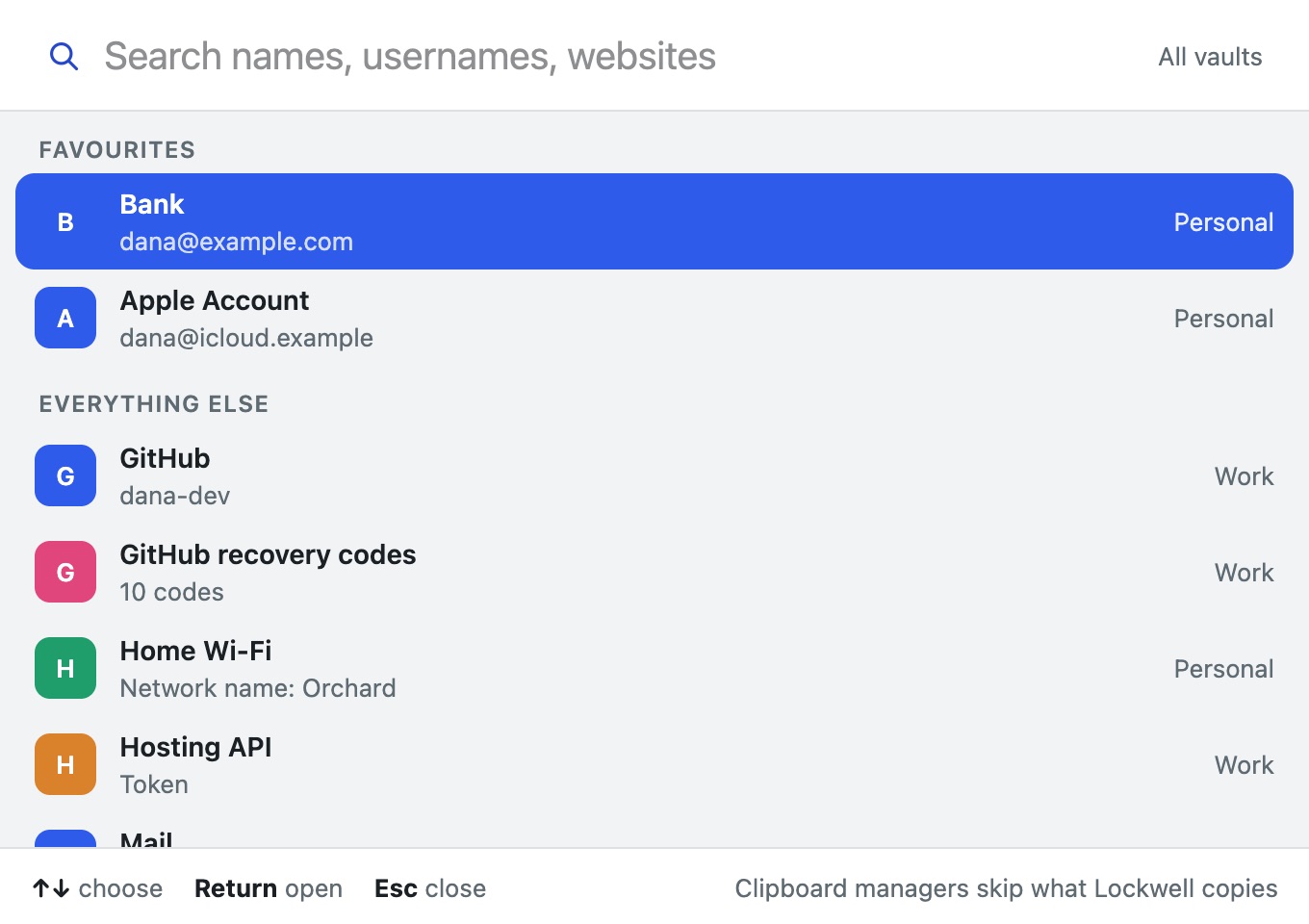
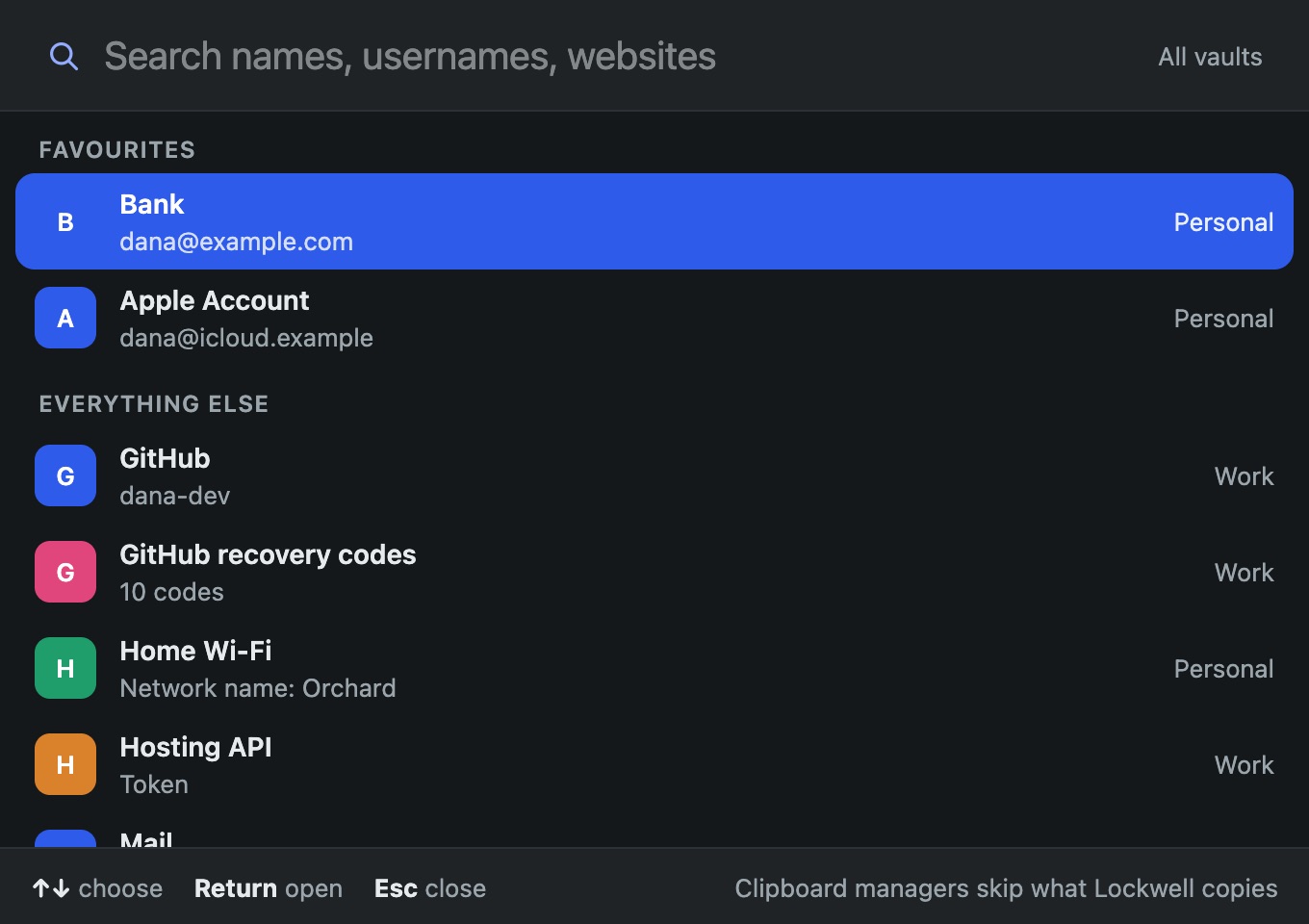
- Opens it safely. Before Lockwell saves a vault made by another app for the first time, it checks that nothing in it would be dropped. If something would, it opens the vault read only instead of risking your data.
- A hotkey from any app, Control-Option-Space, to search every vault and copy a username, password or one-time code. Copies are hidden from clipboard managers and cleared after 15 seconds.
- Item types for more than logins: Wi-Fi with a QR code to join, licence keys, API tokens, recovery codes, SSH keys, notes and files.
- Earlier versions of every item, a 30-day Trash, backups to a folder you pick, and a printable recovery code for a forgotten master password.
- Touch ID, and it locks itself on sleep, screen lock or after a time you choose.
- Bought once, no account. After the trial, every vault still unlocks, copies and exports.
Where Strongbox, or another app, is the better pick
- You want autofill in Safari or on the iPhone. Lockwell never types into other apps and has no iPhone app. Pair it with KeePassium on the phone, or stay with Strongbox.
- You need Password Safe files. Lockwell opens KeePass files only.
- You want an audited app. No independent security audit of Lockwell has been done yet.
Quick comparison
| Strongbox | KeePassXC | KeePassium | MacPass | Lockwell | |
|---|---|---|---|---|---|
| Price | Free tier, Pro $99.99 once or by subscription | Free | Free tier, paid tiers | Free | Bought once |
| Opens your .kdbx as it is | Yes | Yes | Yes | Yes | Yes |
| iPhone app | Yes | No | Yes | No | No |
| Native Mac app | Yes | No | Yes | Yes | Yes |
| Autofill | Mac and iPhone | Browser extension | iOS | No | No, hotkey and copy |
| Global search hotkey | No | Auto-type shortcut | No | No | Yes |
Moving from Strongbox to Lockwell
- Copy your vault file somewhere safe.
- Install Lockwell and choose Open vault or backup files on the first screen.
- Pick your
.kdbxfile, wherever it is, and unlock it with your master password. - Turn on Touch ID in Settings, Security if you want it, and set the hotkey if Control-Option-Space is taken.
If you keep the file in iCloud Drive and still use Strongbox or KeePassium on your iPhone, both apps keep reading the same file. Edit on one device at a time: Lockwell does not merge two changed copies yet.
Questions
Do I need to export anything from Strongbox? No. The vault is already a KeePass file.
Will Strongbox still open the file after Lockwell saves it? Yes. Lockwell saves standard KeePass 4 files, which Strongbox, KeePassXC and KeePassium all read.
Is my Strongbox lifetime licence affected? That is between you and Applause. Your vault file is yours either way, which is the point of KeePass.