1Password is excellent at what it does: autofill everywhere, sharing, travel mode, a clean app on every device. It is also a subscription with an account, and in 2026 the individual plan rose from $35.88 to $47.88 a year for renewals from 27 March. Since version 8 there has been no way to keep a vault only on your own Mac.
If you want 1Password’s features, it is still worth the money, and the alternatives below have gaps. If what you want is a vault you own, without a yearly bill, read on.
Prices and features of other apps below were checked on their own websites in November 2026. We make Lockwell, one of the options.
What 1Password does well
- Autofill in every browser and on the iPhone, including one-time codes.
- Sharing with family or a team, with vaults and permissions.
- Watchtower, which flags weak, reused and breached passwords.
- Many item types: logins, cards, identities, software licences, documents and more.
- Passkeys, stored and synced across devices.
Why people look for an alternative
- The price. $47.88 a year for one person, every year, and more for families.
- No local vault. Everything goes through 1Password’s servers and an account. Many long-time users chose 1Password 7 precisely because it could keep a vault on the Mac only.
- Lock-in by habit. The CSV export only covers logins and passwords; the complete export is a format few apps read. People want their passwords in a format anything can open.
The alternatives
Bitwarden. Open source, on every platform, with a generous free plan and Premium at $19.80 a year. Cloud based with an account, but can be self-hosted. The closest like-for-like replacement if you want autofill and sync and are fine with a server.
Proton Pass. End-to-end encrypted cloud vault from Proton, with a free plan and Pass Plus at $2.99 a month billed yearly. Built-in email aliases.
Apple Passwords. Free and built in, good in Safari and on the iPhone. Lives in iCloud, has no Android app and fewer item types.
KeePassXC. Free and open source, on Mac, Windows and Linux, with a browser extension. Your vault is a KeePass file on your Mac, and it imports 1Password’s complete 1PUX export directly.
Lockwell: a vault you own, bought once
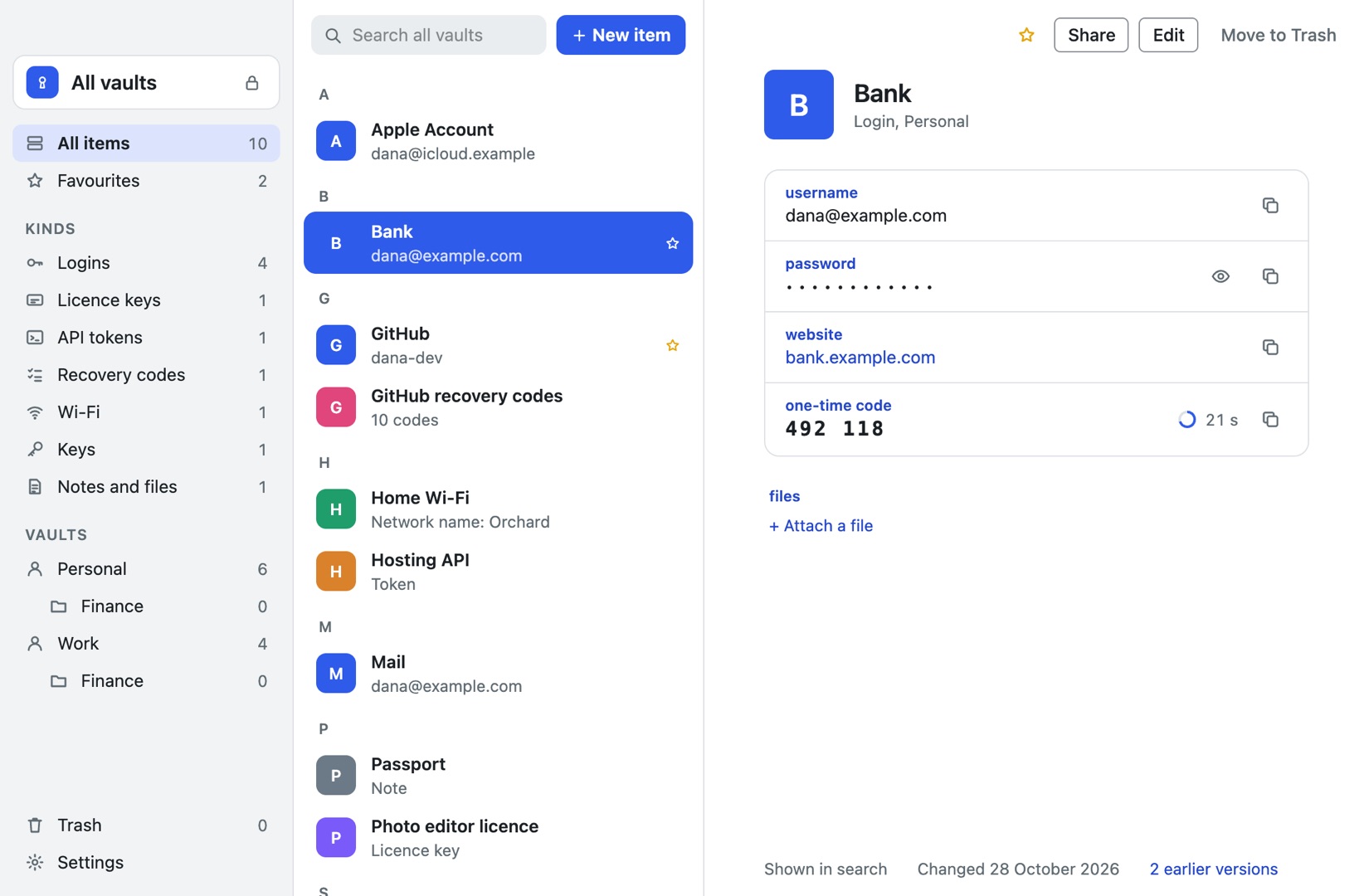
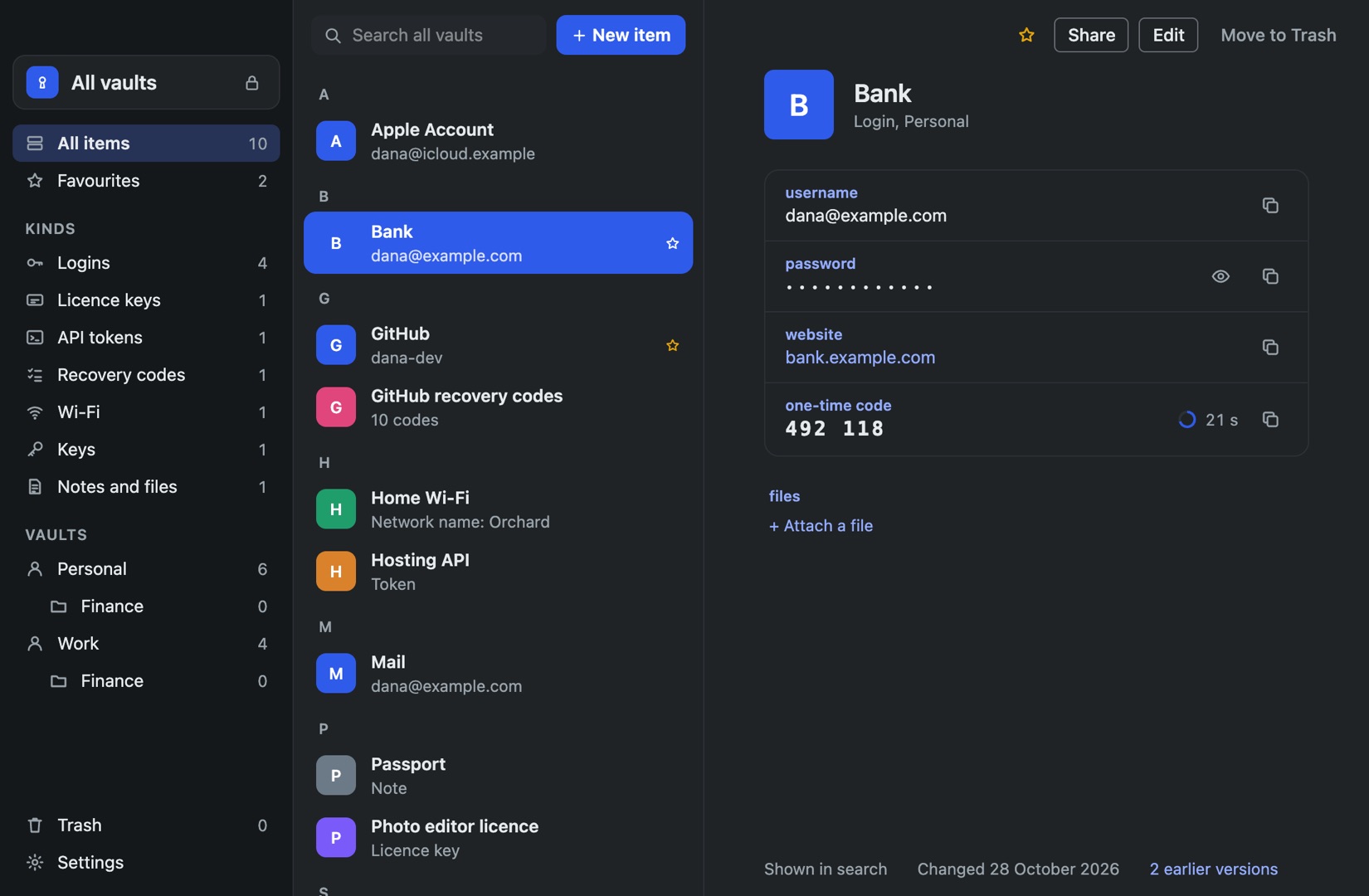
Lockwell is a native Mac app that keeps your vault as a standard KeePass file on your Mac, with no account and no server.
- No subscription and no account. Bought once. After the 7-day trial, every vault still unlocks, searches, copies, backs up and exports; only adding and changing items needs a licence.
- A hotkey instead of autofill. Press Control-Option-Space in any app, type a few letters, copy the field. The clipboard clears itself after 15 seconds, and clipboard managers skip it.
- Item types 1Password users will recognise: logins with one-time codes, licence keys with order details, API tokens, recovery codes you can tick off, SSH keys, Wi-Fi with a QR code, notes and files.
- Earlier versions of every item and a 30-day Trash.
- Touch ID, locking on sleep and screen lock, and hidden from screen sharing.
- An open format. The vault opens in KeePassXC, Strongbox and KeePassium too, so you are never stuck with us either.
What you give up compared with 1Password
Be clear about these before you switch:
- No autofill and no browser extension. Lockwell never types into other apps. You copy and paste. Some people prefer that; if you rely on autofill, KeePassXC or Bitwarden is closer.
- No iPhone app. Pair Lockwell with KeePassium on the phone, reading the same file.
- No sharing service and no Watchtower. Lockwell can share chosen items as an encrypted file or a copy for someone, offline, but there are no shared vaults.
- No passkeys.
- No independent security audit yet. 1Password has been audited many times.
Quick comparison
| 1Password | Bitwarden | KeePassXC | Lockwell | |
|---|---|---|---|---|
| Price | $47.88 a year | Free, Premium $19.80 a year | Free | Bought once |
| Account and server | Yes | Yes, or self-hosted | No | No |
| Vault file you own | No | No | Yes, KeePass | Yes, KeePass |
| Autofill | Everywhere | Everywhere | Browser extension | No, hotkey and copy |
| iPhone app | Yes | Yes | No | No |
| Licence keys, API tokens, recovery codes as item types | Some | No | No | Yes |
| Passkeys | Yes | Yes | Yes | No |
Moving your vault
Use 1Password’s desktop app: File, Export. Choose 1PUX if you have anything besides logins, and import it with KeePassXC to get a KeePass file Lockwell opens as it is. If you only have logins, export CSV and import it straight into Lockwell, which matches 1Password’s columns, including one-time codes. Our step-by-step guide covers both routes and how to check nothing was left behind.
Keep 1Password until the end of your paid period and use both for a week.
Questions
Is there a free 1Password alternative? Bitwarden’s free plan and KeePassXC are the strongest. Apple Passwords is free if everything you own is Apple.
Can I keep 1Password 7’s local vaults? 1Password 7 is no longer supported. A KeePass file is the closest thing to a local vault today.
Does Lockwell sync? It has no server. Keep the vault file in a folder you already sync, like iCloud Drive or Dropbox, and it stays encrypted there.