Apple’s Passwords app, a standalone app since macOS 15 and iOS 18, is the password manager most Mac owners already have. It is free, fills in logins in Safari and apps, makes one-time codes, syncs through iCloud and supports passkeys. For many people that is enough, and nothing below is a reason to leave if it works for you.
People outgrow it for a handful of specific reasons. This page goes through them, the alternatives, and how to move.
Facts below were checked on Apple’s support pages and each app’s site in November 2026. We make Lockwell, one of the options.
What Apple Passwords does well
- Free and built in, with nothing to install or pay.
- Autofill in Safari and in apps on Mac, iPhone and iPad, plus a Chrome extension and iCloud for Windows.
- One-time codes and passkeys, synced through iCloud Keychain.
- Shared groups for family passwords.
- Security recommendations for weak, reused and leaked passwords.
Why people look for an alternative
- Android or Windows in the house. There is no Apple Passwords for Android, and Windows support goes through iCloud for Windows.
- The vault lives in iCloud. iCloud Keychain is encrypted end to end, but it is still in Apple’s cloud, tied to your Apple Account. Some people want a file they hold.
- More than logins. There is no item type for software licence keys, API tokens, SSH keys or documents. They end up in notes, or in the Notes app.
- A way out. Apple’s export is a plain CSV; there is no encrypted file you can keep as a backup and open somewhere else.
The alternatives
Bitwarden. Free plan, every platform including Android, open source. The usual choice for mixed Apple and Android households. Cloud with an account.
1Password. Polished, every platform, $47.88 a year for one person. Sharing and travel mode.
KeePassXC with KeePassium. Free and open source. KeePassXC on the Mac and KeePassium on the iPhone read the same KeePass file, which you can keep in iCloud Drive.
Strongbox. A native Mac and iPhone KeePass app with autofill on both; a free tier, Pro by subscription or $99.99 lifetime. Owned by Applause since 2025.
Lockwell: a vault you own, for more than logins
Lockwell keeps your passwords in an encrypted KeePass file on your Mac, with no account.
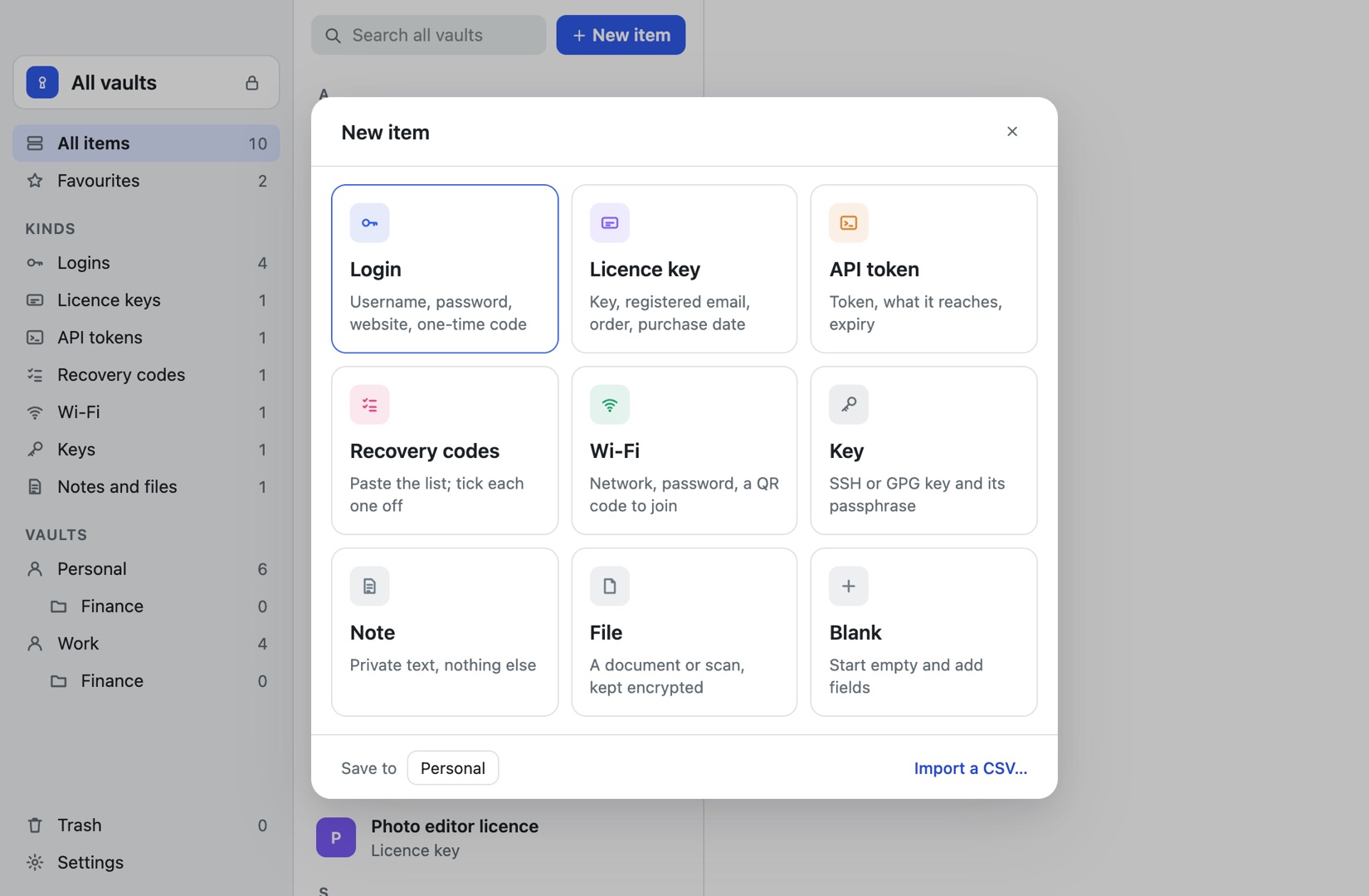
- A file you hold. One encrypted file in a folder you choose, readable by any KeePass app on Mac, Windows, Linux, iPhone and Android.
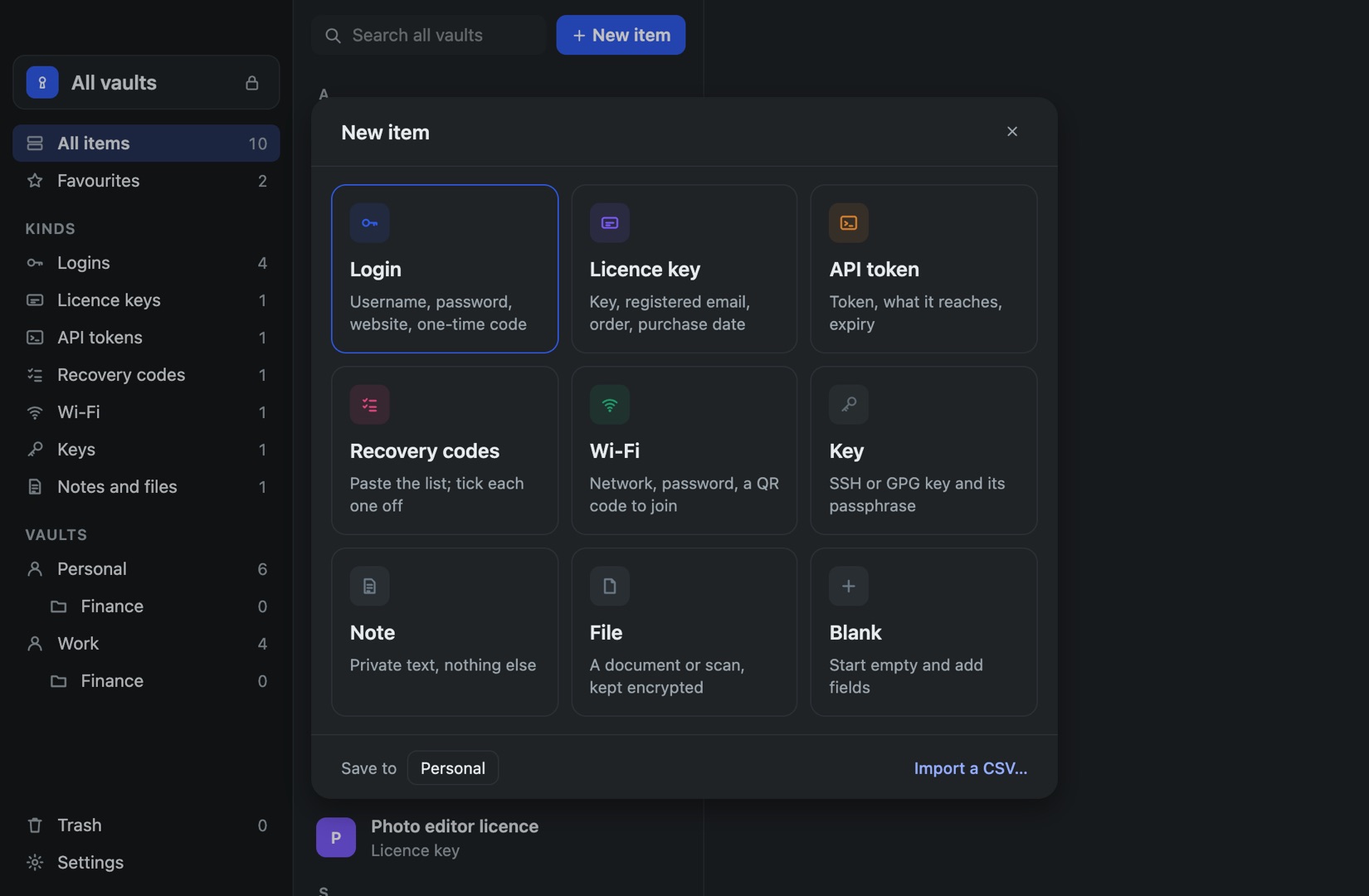
- Item types for everything else: licence keys with order details, API tokens, recovery codes you tick off, SSH keys, Wi-Fi with a QR code, notes and files.
- Brings your one-time codes. Lockwell’s CSV import reads Apple’s OTPAuth column, so codes that Apple Passwords generates keep working.
- A hotkey from any app, Control-Option-Space, to search and copy; the clipboard clears itself after 15 seconds.
- Earlier versions of every item, a 30-day Trash and backups to a folder you pick.
- Touch ID, and bought once.
Where Apple Passwords stays the better pick
- Autofill. Lockwell has no autofill and no iPhone app. Many people keep Apple Passwords for logging in on the iPhone and use Lockwell for everything else.
- Passkeys. Lockwell does not store them.
- Free. Apple Passwords costs nothing; Lockwell has a 7-day trial, then is bought once.
Quick comparison
| Apple Passwords | Bitwarden | KeePassXC | Lockwell | |
|---|---|---|---|---|
| Price | Free | Free, Premium $19.80 a year | Free | Bought once |
| Where the vault lives | iCloud | Bitwarden cloud | File you choose | File you choose |
| Android | No | Yes | Through a KeePass app | Through a KeePass app |
| Licence keys, API tokens, recovery codes | No | No | No | Yes |
| Autofill | Yes | Yes | Browser extension | No, hotkey and copy |
| Passkeys | Yes | Yes | Yes | No |
Moving from Apple Passwords
In the Passwords app, choose File, Export All Passwords to File, then in Lockwell choose New item, Import a CSV. Lockwell matches all six of Apple’s columns, including one-time codes. Delete the CSV afterwards. Our full guide covers the iPhone export, what does not transfer, and checking the result.
Questions
Can I use Apple Passwords and Lockwell together? Yes. A common setup is Apple Passwords for autofill and Lockwell as the vault you own, with everything else. A change in one is not copied to the other, so pick one as the place you edit.
Is Apple Passwords safe? Yes, with a strong device passcode and two-factor authentication on your Apple Account. iCloud Keychain is end-to-end encrypted, so Apple cannot read it.