DiskAtlas
Disk space analyzer
See where your disk space went, in one picture, and get it back safely.
No accountNo uploadsMac
Also included in All Apps 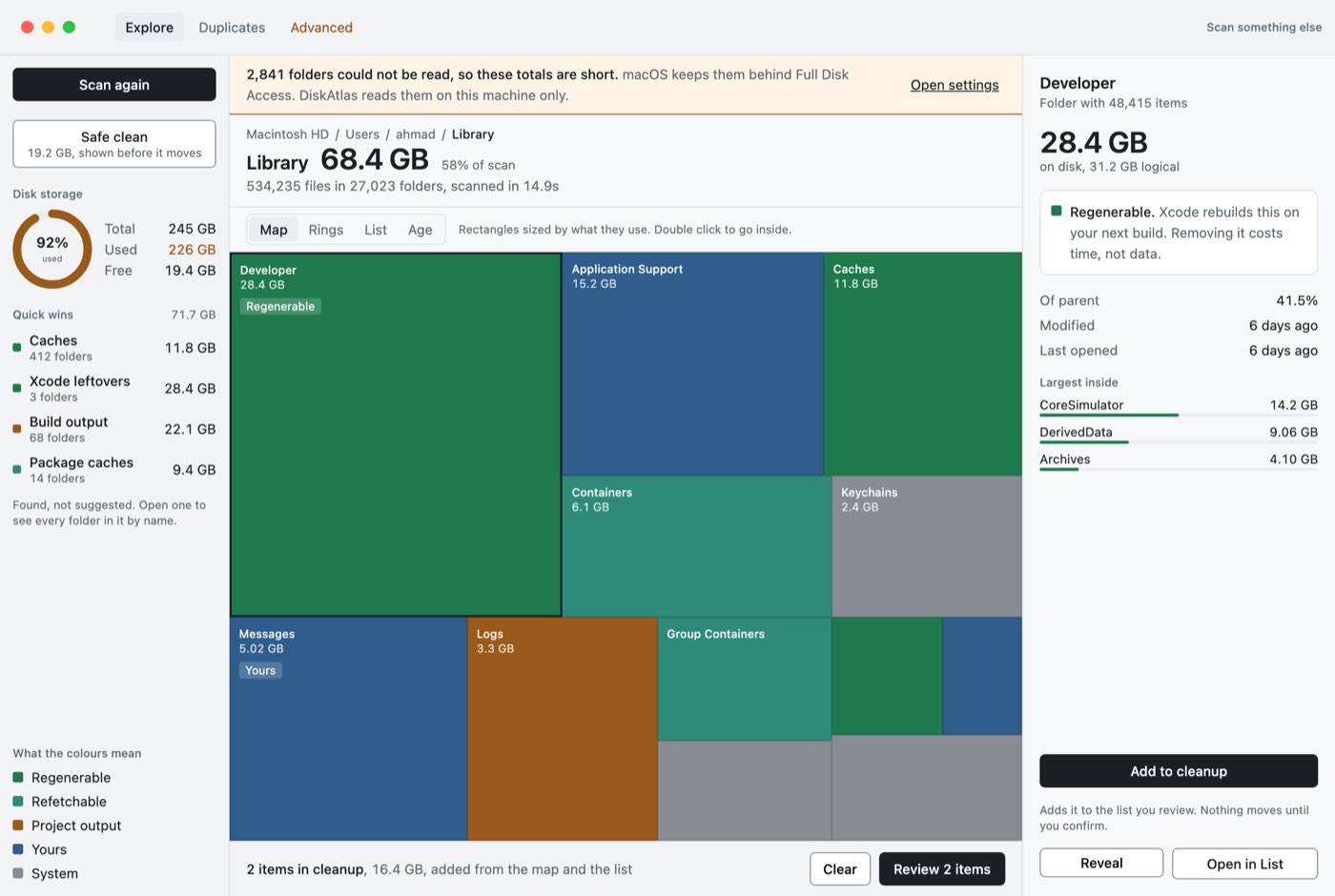
A growing suite of Mac apps
Careful, private apps for disk space, cleanup, screenshots, images and system health, with new ones every few weeks. Get all of them, or just the one you came for.
No account inside the apps15-day refundMac first, Windows where it fits





Apps almost every Mac should have.
Capture, clean up and ship visuals.
No account, no uploads, works offline.
The latest additions.
Disk space analyzer
See where your disk space went, in one picture, and get it back safely.
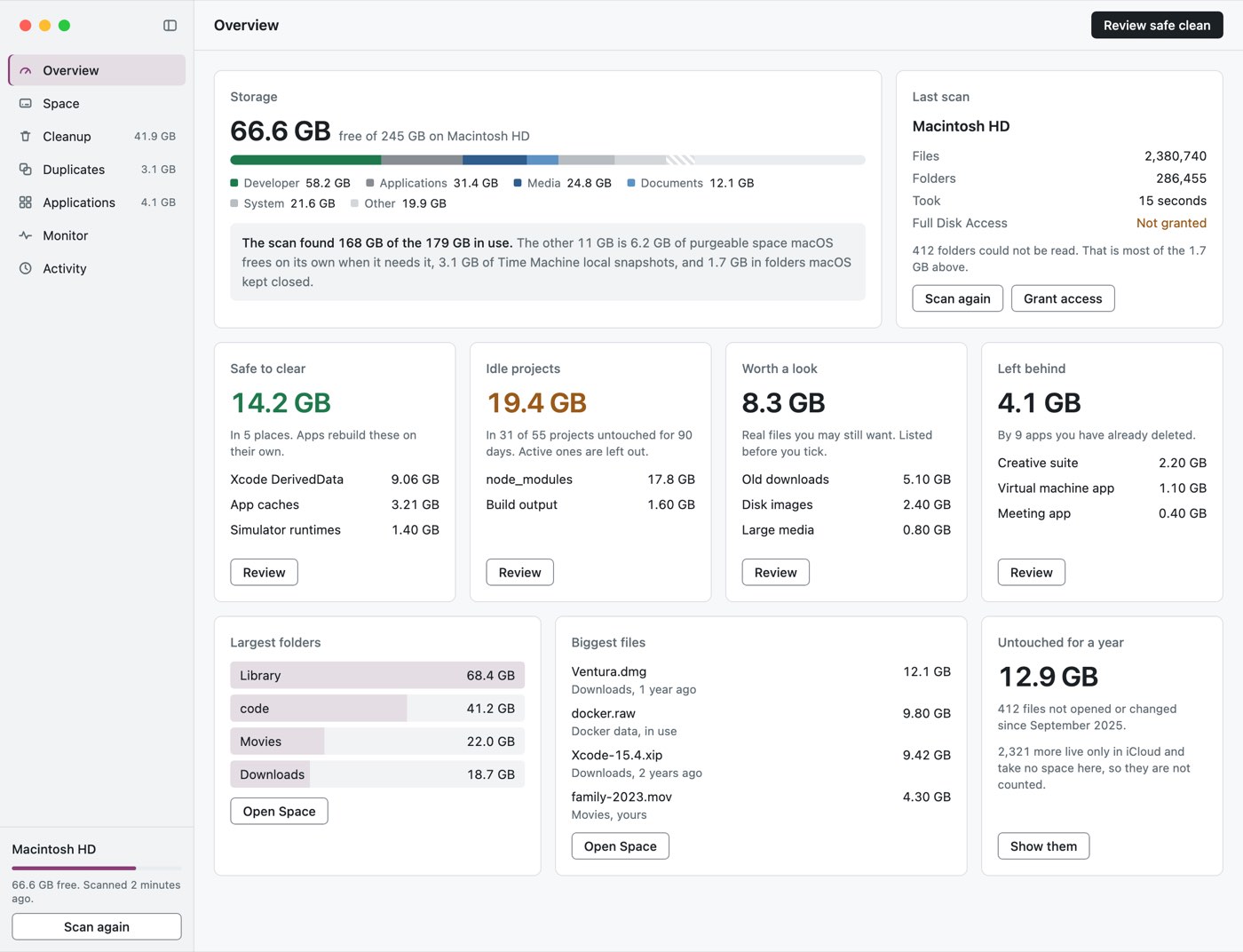
Mac maintenance
Keep your Mac in good shape. What is safe to clear, what apps really cost, and what it is doing now.
Screenshot tool
Press a key, select part of the screen, mark it up, and put it where it needs to go.
System monitor
See what your Mac and every app on it are doing, now and over the last 30 days.
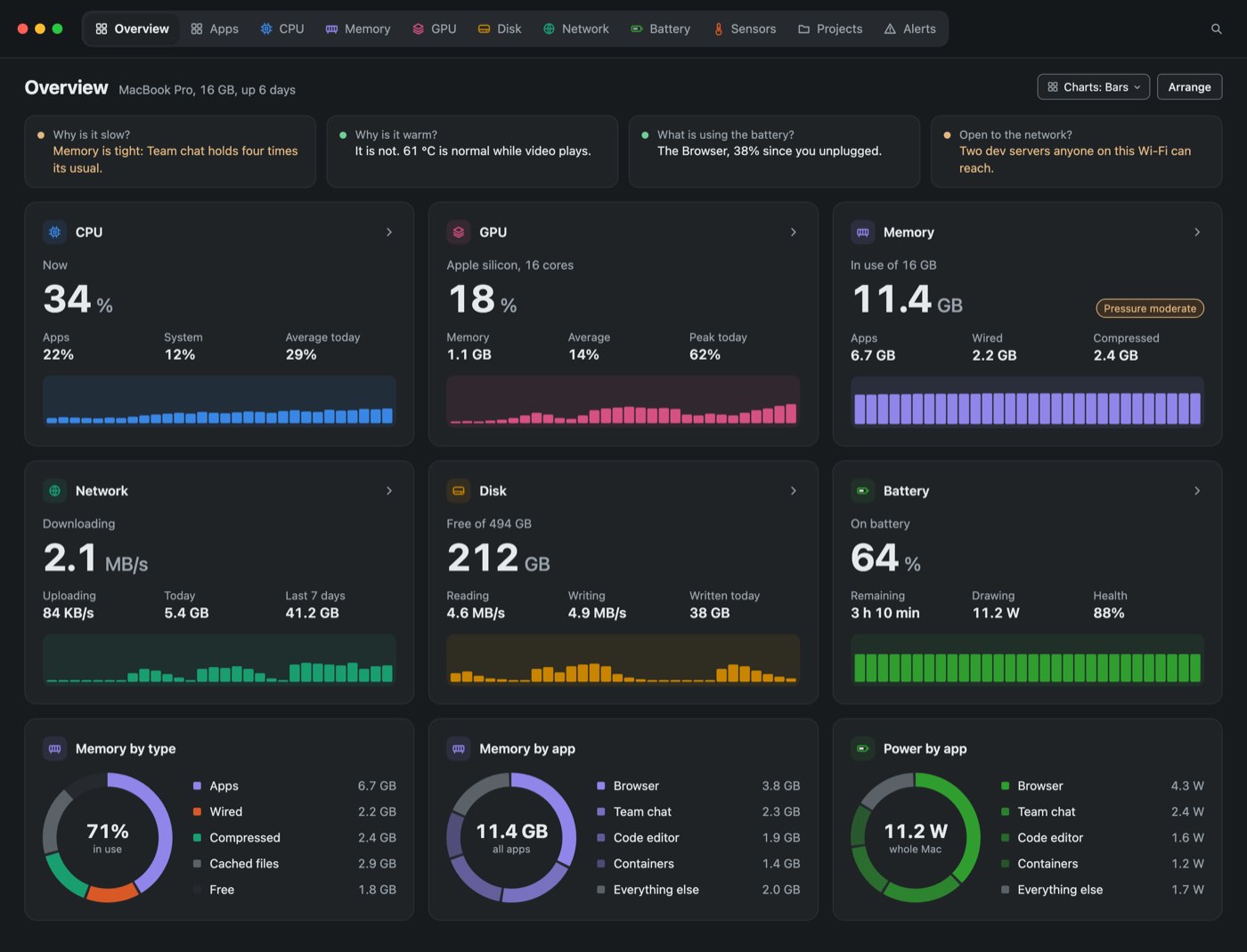
Screenshot tool
Press a key, select part of the screen, mark it up, and put it where it needs to go.
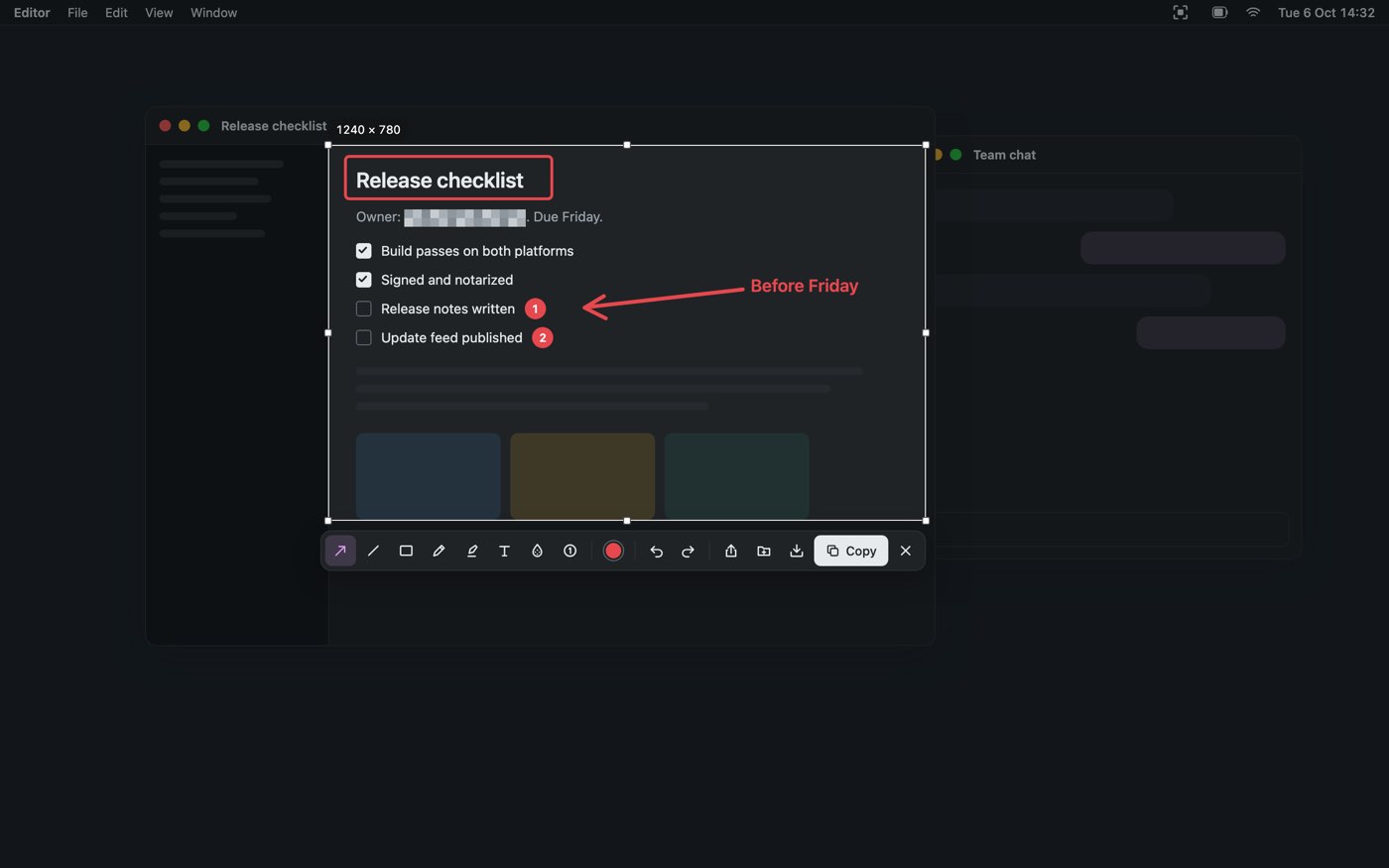
Screenshot editor
Turn a raw screenshot into something presentable in one step, with emails and other identifiers hidden for you.
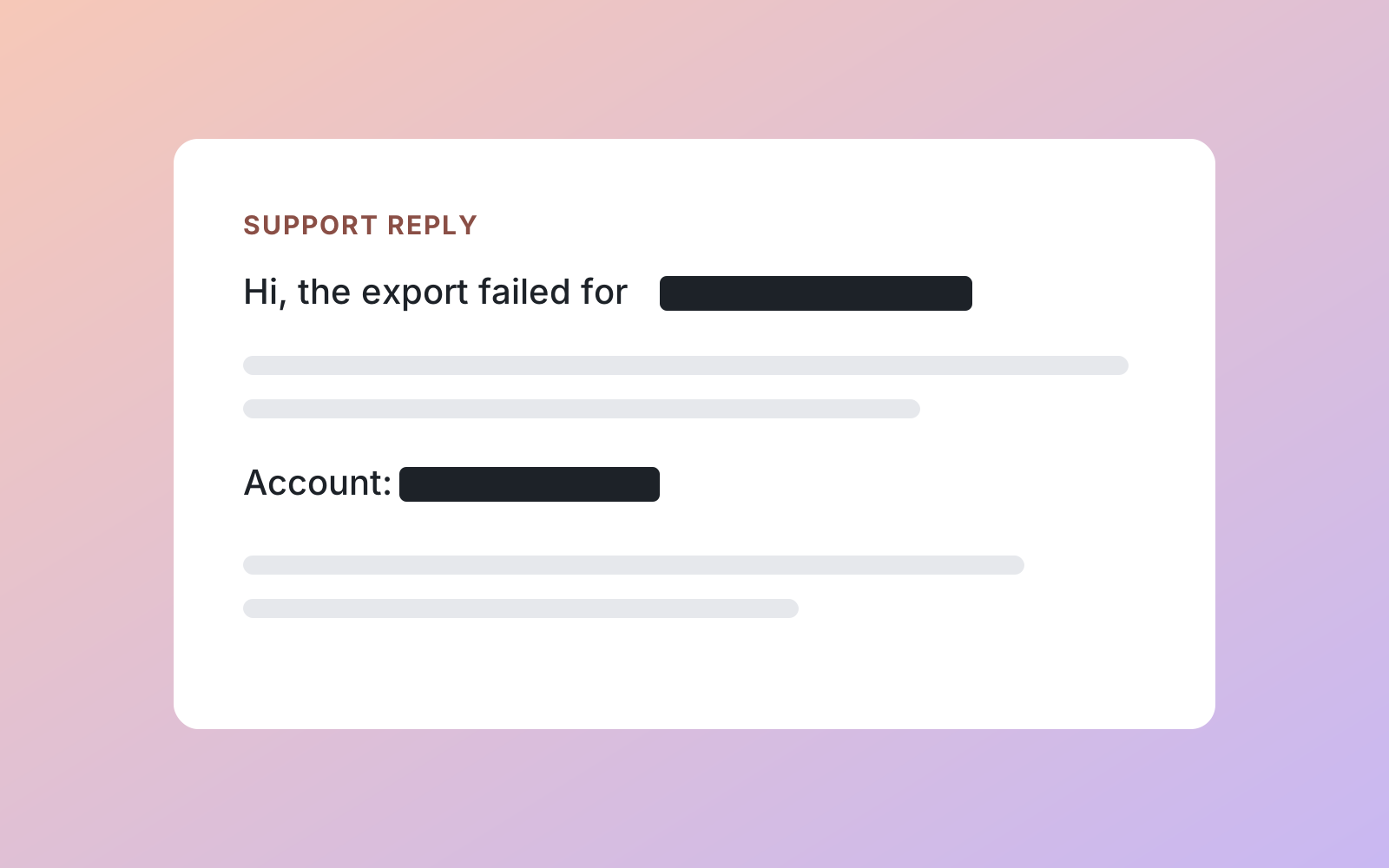
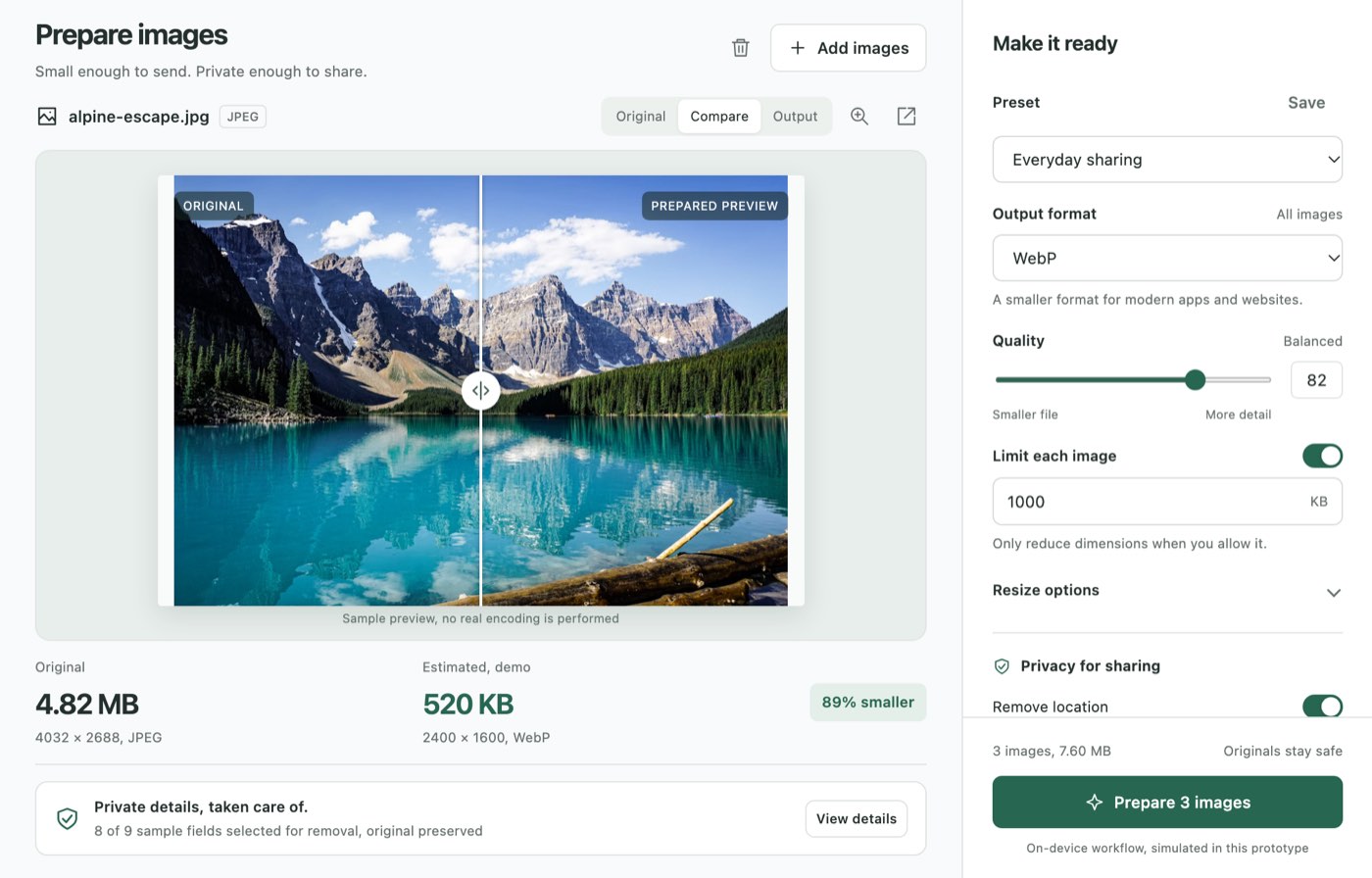
Image compressor
Drop in images and get back small, correctly sized, correctly named export sets.
Disk space analyzer
See where your disk space went, in one picture, and get it back safely.
Image compressor
Drop in images and get back small, correctly sized, correctly named export sets.
Screenshot editor
Turn a raw screenshot into something presentable in one step, with emails and other identifiers hidden for you.
Screenshot tool
Press a key, select part of the screen, mark it up, and put it where it needs to go.
Disk space analyzer
See where your disk space went, in one picture, and get it back safely.
Mac maintenance
Keep your Mac in good shape. What is safe to clear, what apps really cost, and what it is doing now.
Screenshot tool
Press a key, select part of the screen, mark it up, and put it where it needs to go.
Image compressor
Drop in images and get back small, correctly sized, correctly named export sets.
System monitor
See what your Mac and every app on it are doing, now and over the last 30 days.
Screenshot editor
Turn a raw screenshot into something presentable in one step, with emails and other identifiers hidden for you.
Have them all, or stick to your favourite app. Either way you can switch later, and what you paid counts.
Founder deal
Three steps, no account inside the apps.
Install one small app, then install any Deskworthy app with a click, with every license in one place.
Your files stay yours
Nothing to sign up for inside the apps. Each one says exactly what it sends.
50% back
Post a video or a thread about any Deskworthy app you bought. When it reaches the views below, we refund half, or all of it. You keep the app.
Any app, or All Apps.
YouTube, TikTok, Reels, Shorts, X or Threads.
From the email you bought with. We check the views and refund.
| Where | 50% back at | 100% back at |
|---|---|---|
| Video: YouTube, TikTok, Reels, Shorts | 5,000 views | 20,000 views |
| Text: X, Threads | 10,000 views | 50,000 views |
One claim per purchase. All Apps subscribers get the same value as free months. Full rules.
No. You get a license key by email and paste it into the app. The account on this website is only for invoices, devices and roadmap votes.
No. Every purchase has a 15-day refund instead. If the app is not right for you, write to us and you get your money back.
No. What you paid counts toward All Apps, and your app stays yours even if you never upgrade.
The first buyers of All Apps, and of each app, get a lower price and updates forever. The counter shows real sales.
Personal covers 1 Mac + 1 Windows PC. Power covers up to 3 computers, any mix. Move a license to a new computer from your account.
Apps you bought once stay yours. Apps you got through All Apps stop at the end of the period you paid for, and your settings stay on your computer.